Video
Lesson video
Move code onto a real microcontroller, then use setup, loop, upload, and Serial Monitor to prove what the board is doing.
Lesson 4
Students safely connect an ESP32, upload a first sketch, and use Serial Monitor to see setup run once and loop repeat.
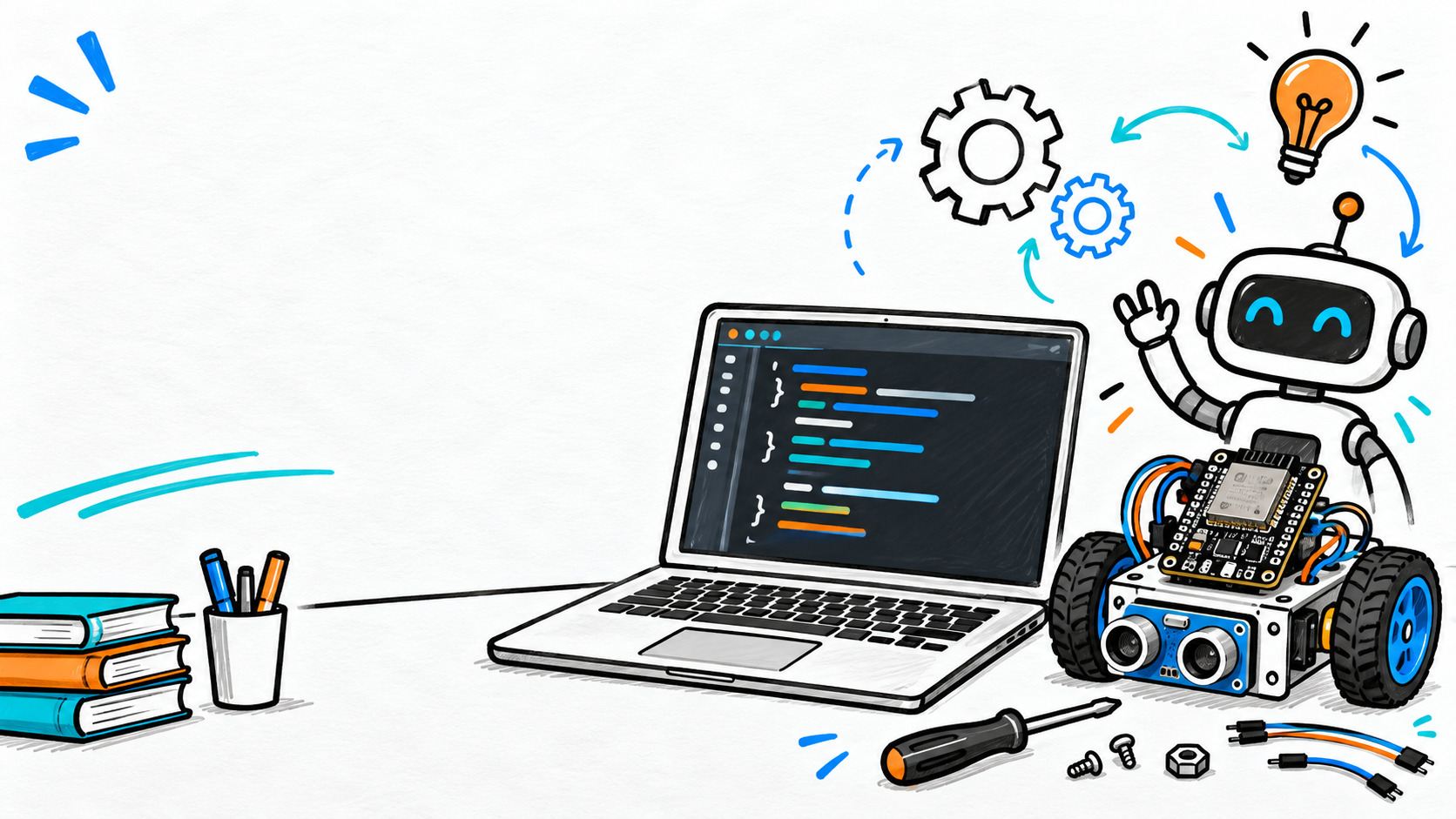
Video
Move code onto a real microcontroller, then use setup, loop, upload, and Serial Monitor to prove what the board is doing.
Students practice
void setup() {
    Serial.begin(115200);
    delay(1000);

    Serial.println("Hello, ESP32!");
    Serial.println("Setup runs once.");
}

void loop() {
    Serial.println("Loop is running.");
    delay(1000);
}