FTC Java · TeleOp foundations, applied control, and first autonomous

FTC Java Training Resources

Short whiteboard lessons, teacher materials, Java examples, classroom activities, and printable student workbooks. Videos 1–7 teach TeleOp foundations, Part 8 applies them to a StarterBot, Part 9 introduces encoder-based autonomous motion, Part 10 adds an IMU-guided right turn, and Part 11 combines both skills into an L-shaped route. Part 12 tests whether that autonomous route repeats reliably.

Teacher starting point: Use the Level 1 course map for the twelve-lesson sequence, equipment, timing, and assessments. Open the student workbook collection for the complete 35-page book or individual lesson booklets. Teacher plans, answer keys, focus guides, student cards, and the POWERING ON safety poster are in shared resources.
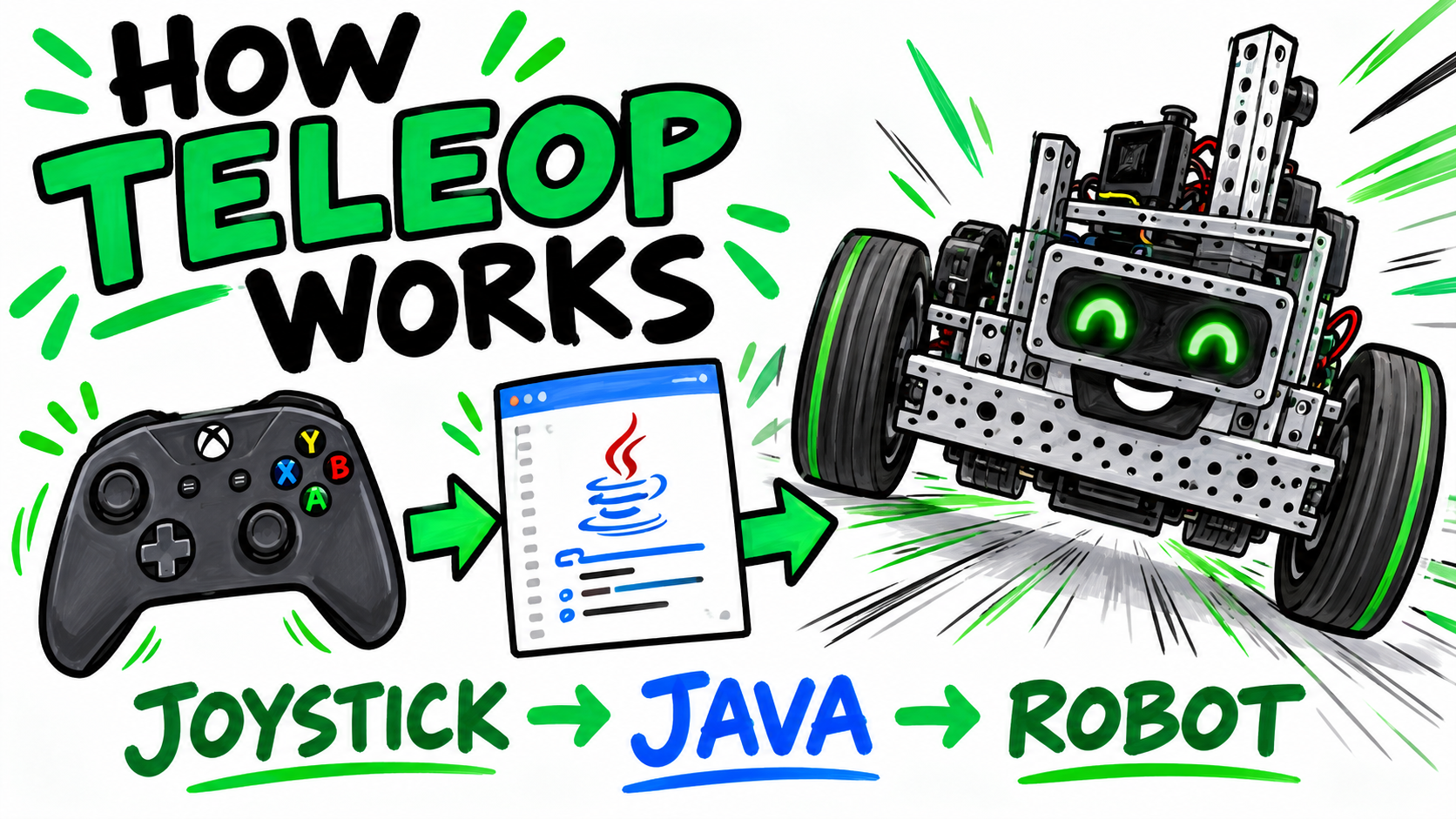
Cover for Video 1: How an FTC TeleOp Program Works
Video 1

How an FTC TeleOp Program Works

Follow program execution from INIT and PLAY through the active loop and STOP.

Open resources →
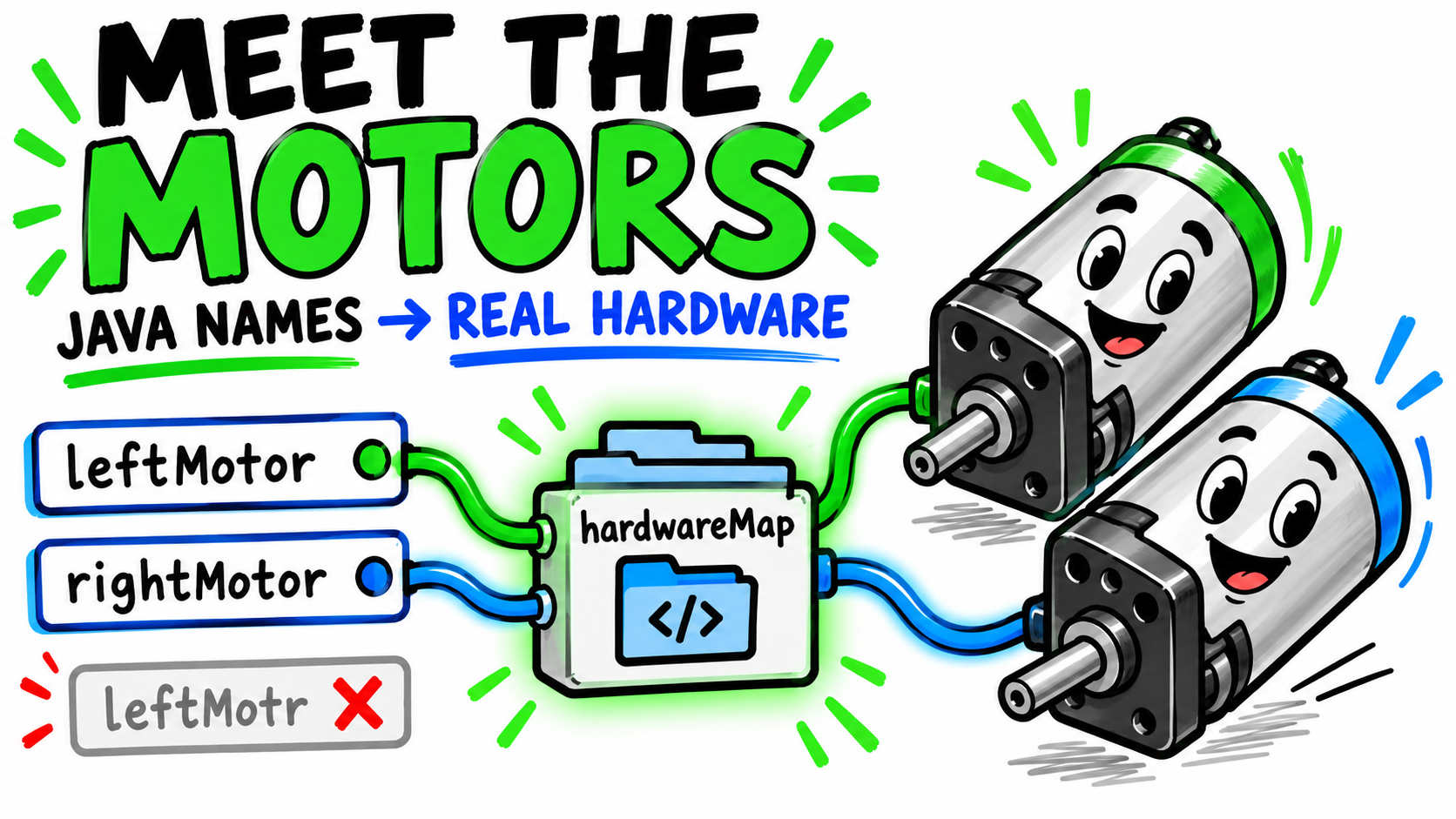
Cover for Video 2: Meet the Motors: From Java Names to Real Hardware
Video 2

Meet the Motors: From Java Names to Real Hardware

Connect Java motor variables to the configured devices on the Robot Controller.

Open resources →
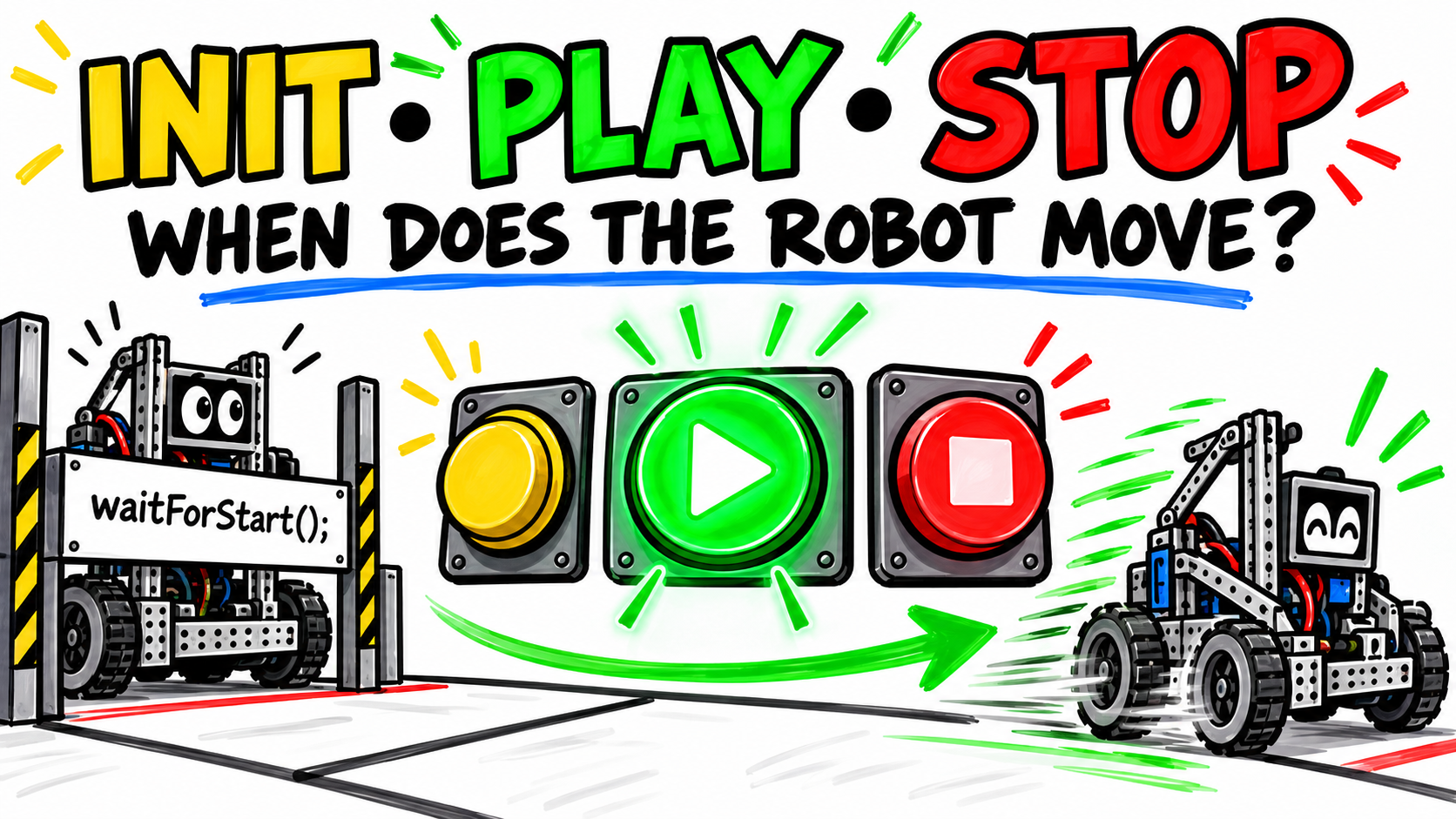
Cover for Video 3: INIT, Telemetry, and waitForStart()
Video 3

INIT, Telemetry, and waitForStart()

See what runs during initialization and why the program waits before driving.

Open resources →
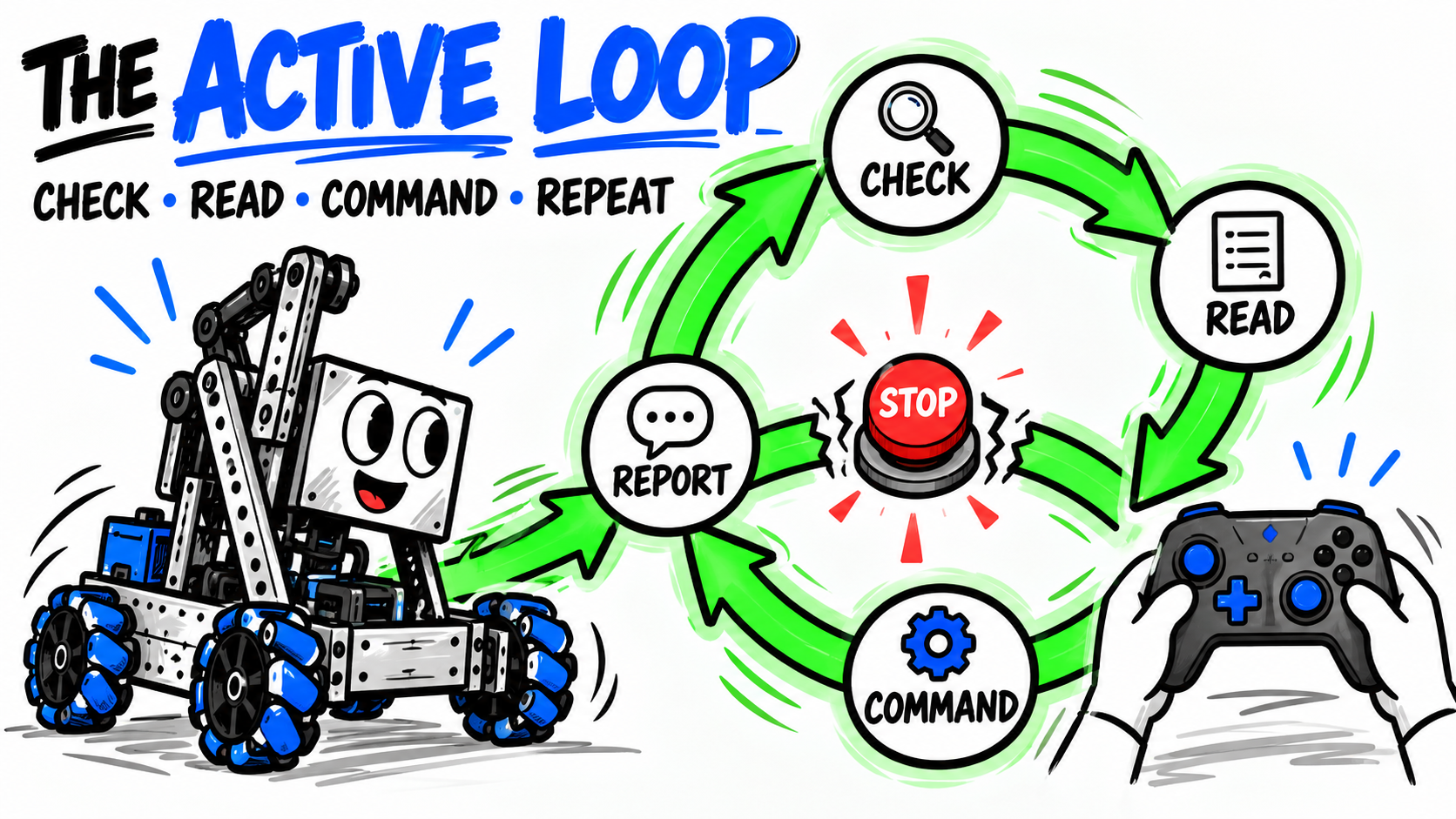
Cover for Video 4: The Active Loop: Check, Repeat, Respond
Video 4

The Active Loop: Check, Repeat, Respond

Trace the repeating cycle that reads controls, commands hardware, and reports results.

Open resources →
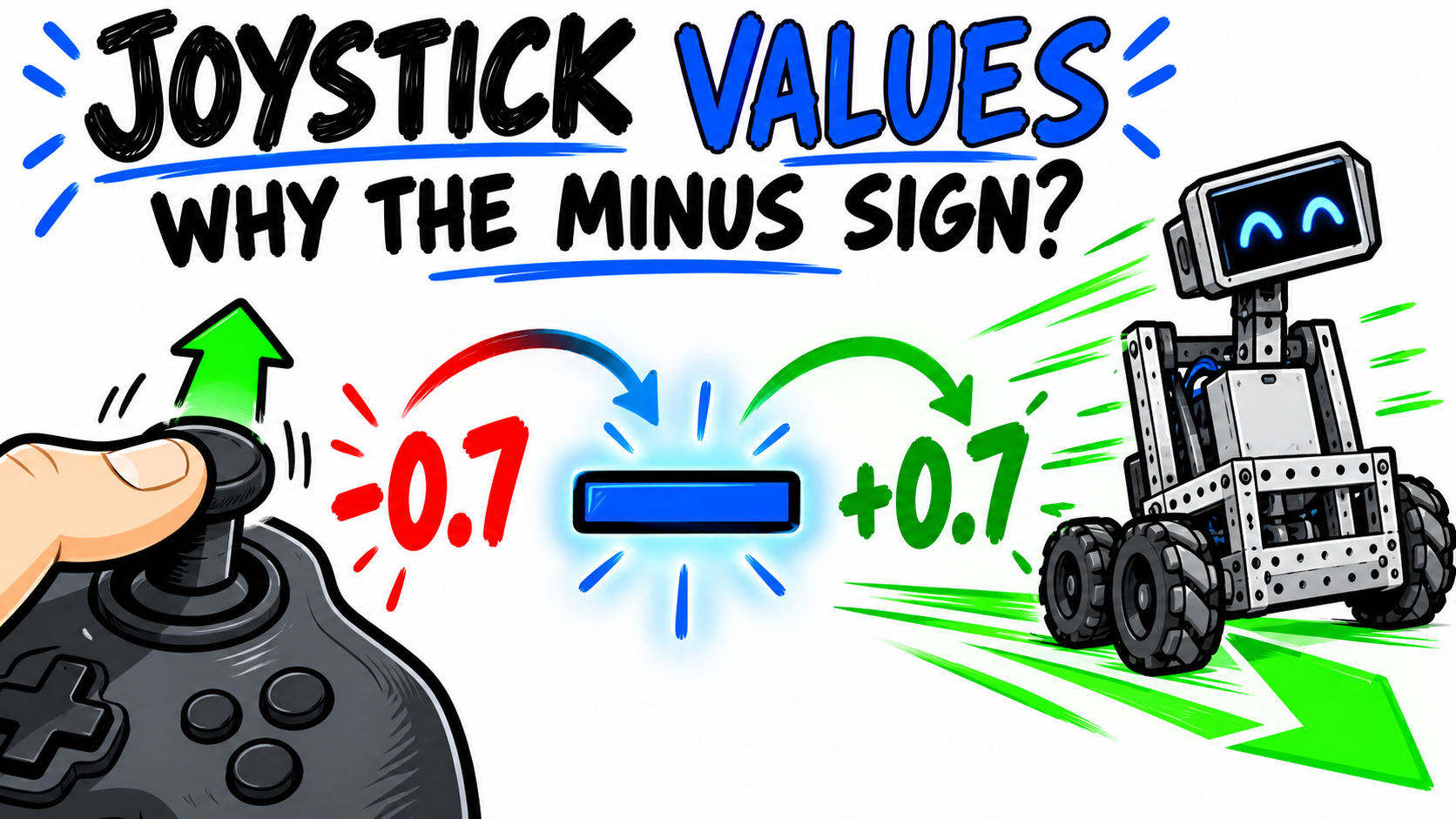
Cover for Video 5: Reading the Joysticks: Values, Variables, and the Minus Sign
Video 5

Reading the Joysticks: Values, Variables, and the Minus Sign

Understand gamepad Y values, variables, and why FTC drive code often negates the input.

Open resources →
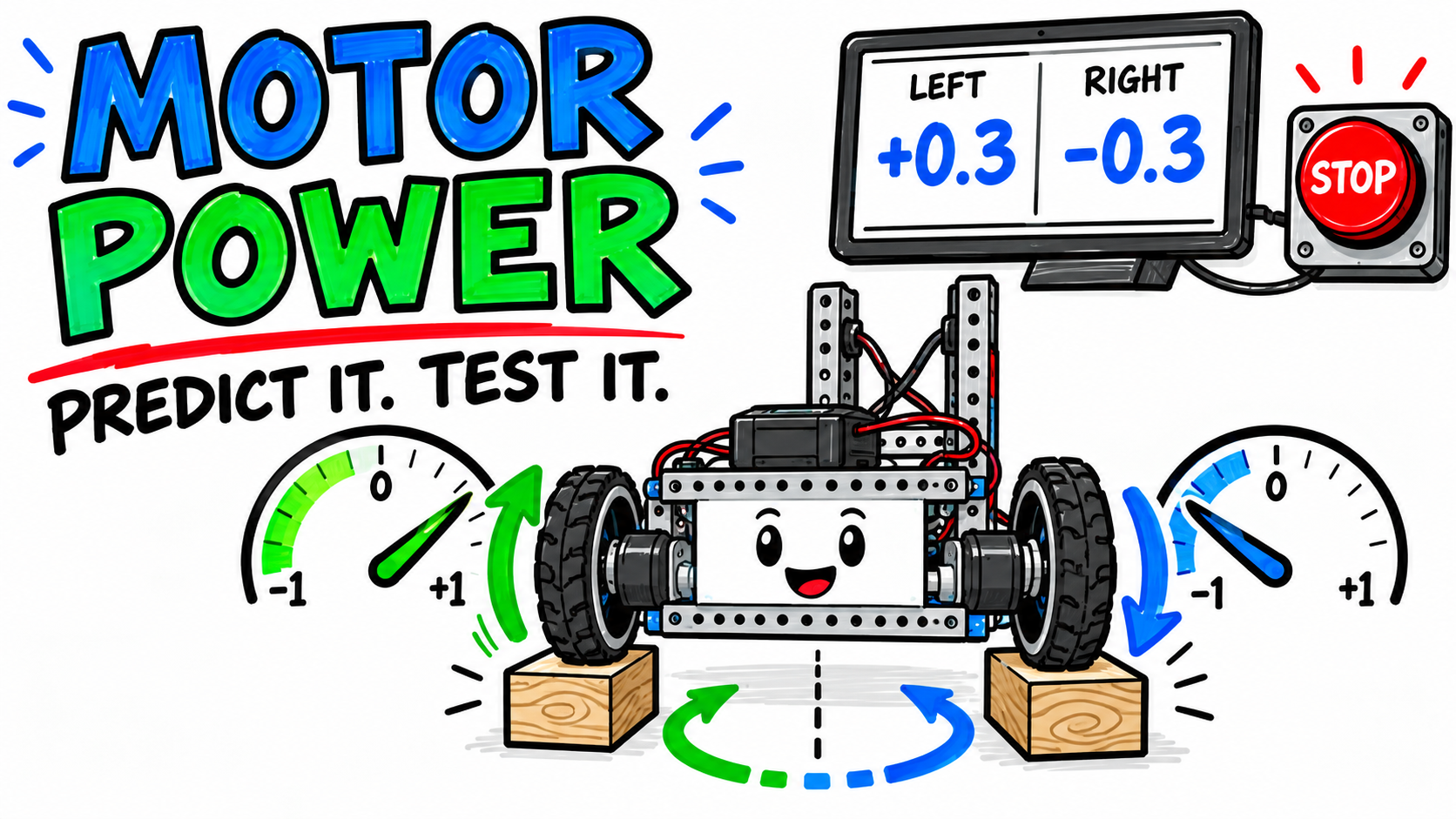
Cover for Video 6: Motor Power, Movement, and Telemetry
Video 6

Motor Power, Movement, and Telemetry

Predict robot motion from motor power and use telemetry to verify commanded values.

Open resources →
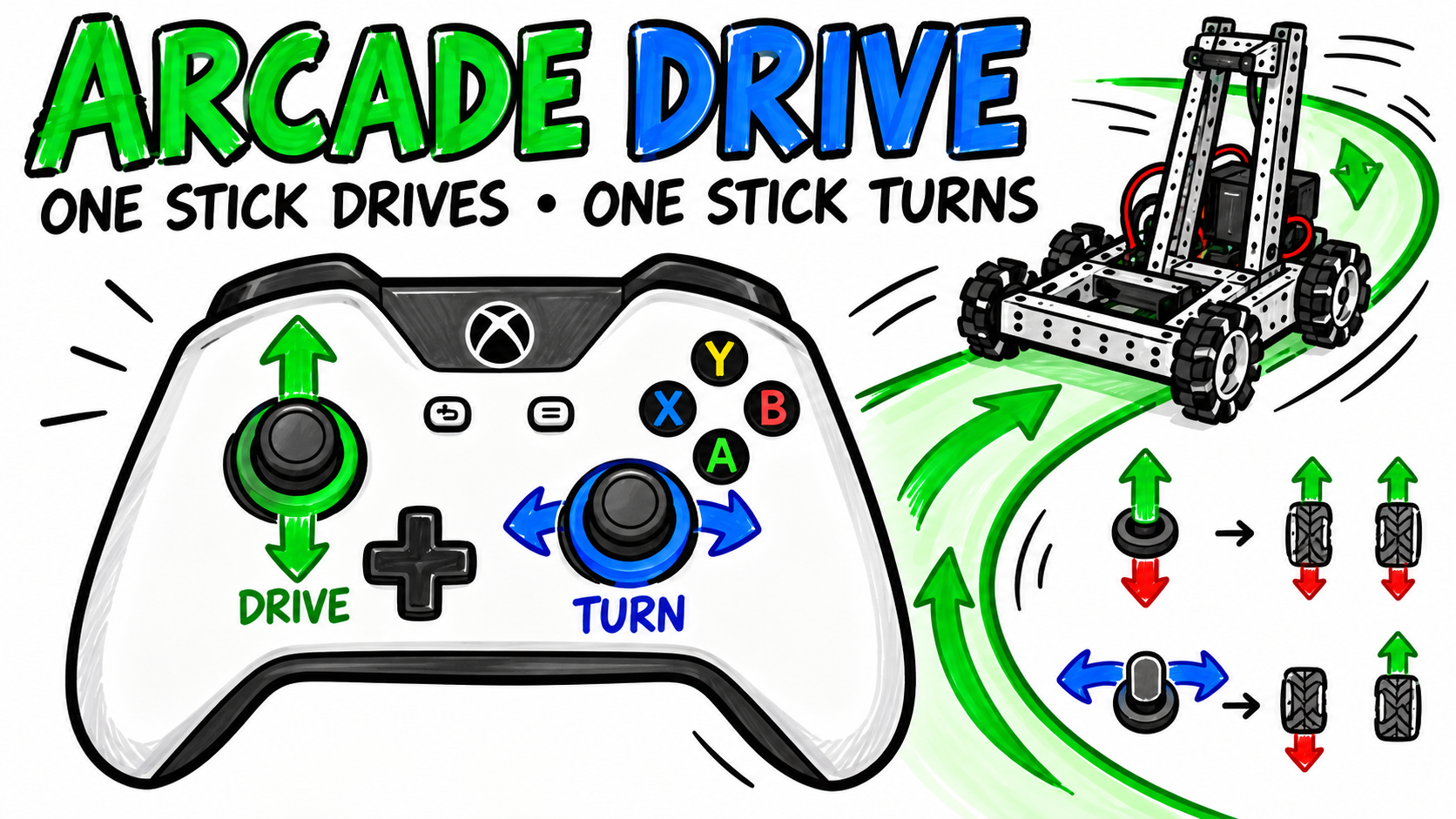
Cover for Video 7: Split Arcade Drive: One Stick Drives, One Stick Turns
Video 7

Split Arcade Drive: One Stick Drives, One Stick Turns

Mix forward and turning inputs into safe left- and right-motor commands.

Open resources →
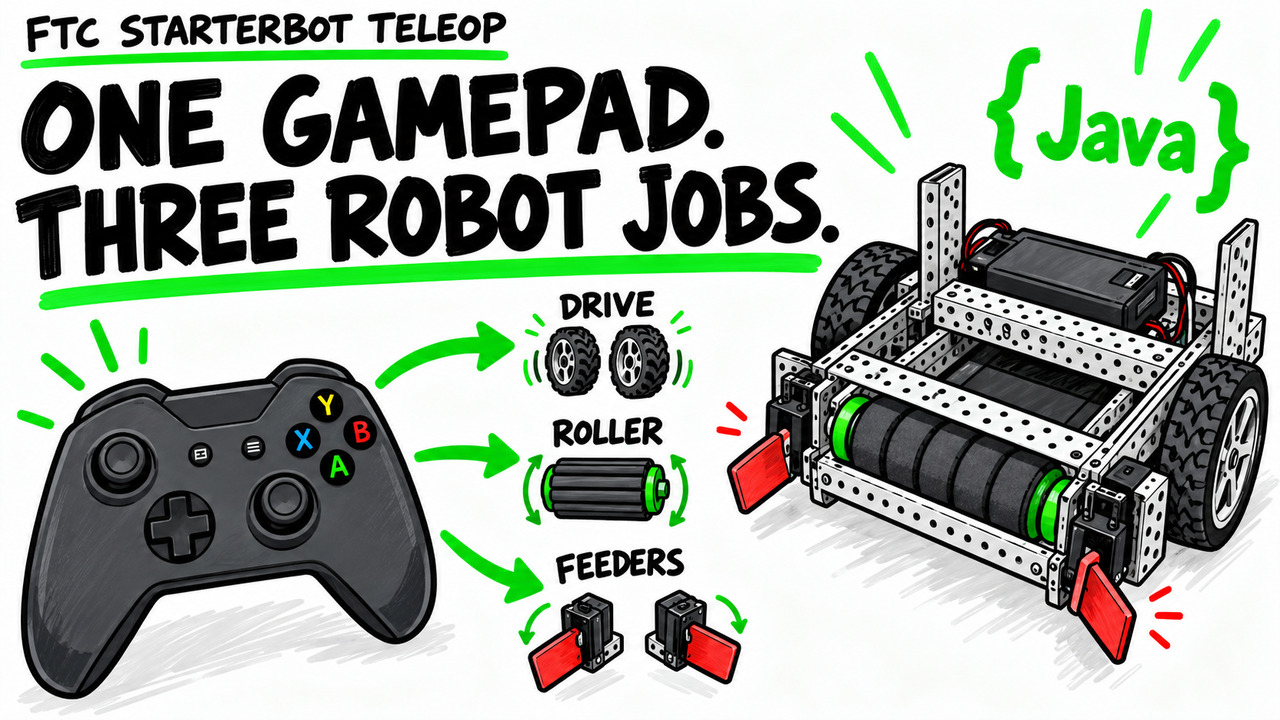
Cover for Video 8 FTC StarterBot TeleOp Drive Intake and Telemetry
Video 8 · Applied capstone

FTC StarterBot TeleOp: Drive, Intake, and Telemetry

Connect one gamepad to the drivetrain, intake roller, two feeder servos, and telemetry on a complete StarterBot.

Open resources →
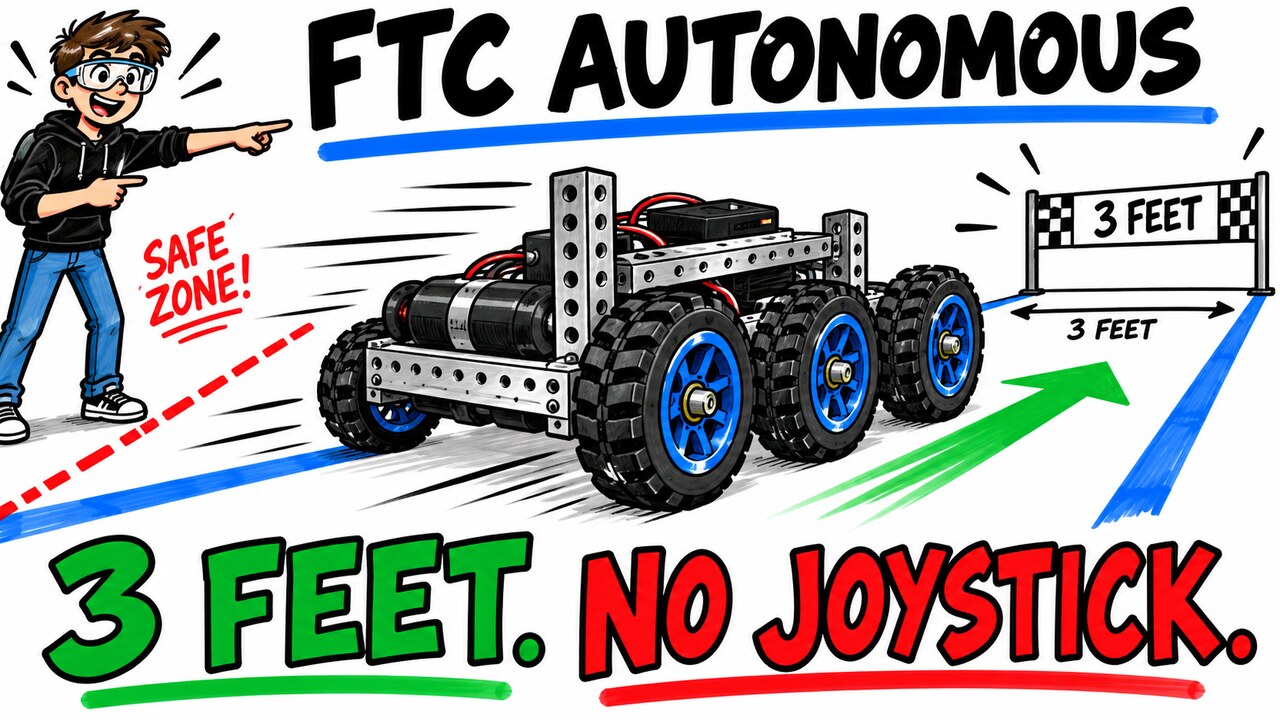
Cover for Video 9 FTC Java Autonomous Drive Forward Three Feet and Stop
Video 9 · First autonomous

FTC Autonomous: Drive Forward Three Feet and Stop

Convert inches to encoder counts, run both motors to their targets, stop safely, and calibrate with measured trials.

Open resources →
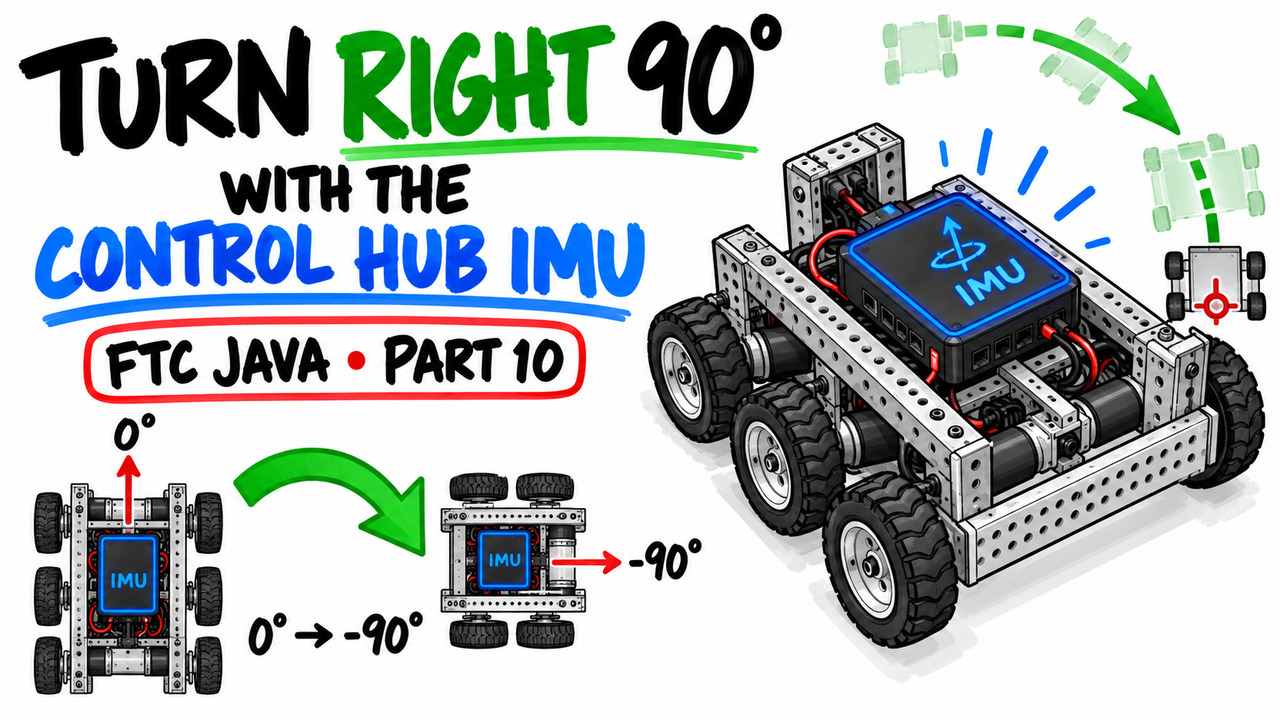
Cover for Video 10 FTC Autonomous Turn Right 90 Degrees with the IMU
Video 10 · Built-in IMU

FTC Autonomous: Turn Right 90 Degrees with the IMU

Configure the Control Hub orientation, read yaw, and stop a measured right turn inside a safe heading tolerance.

Open resources →
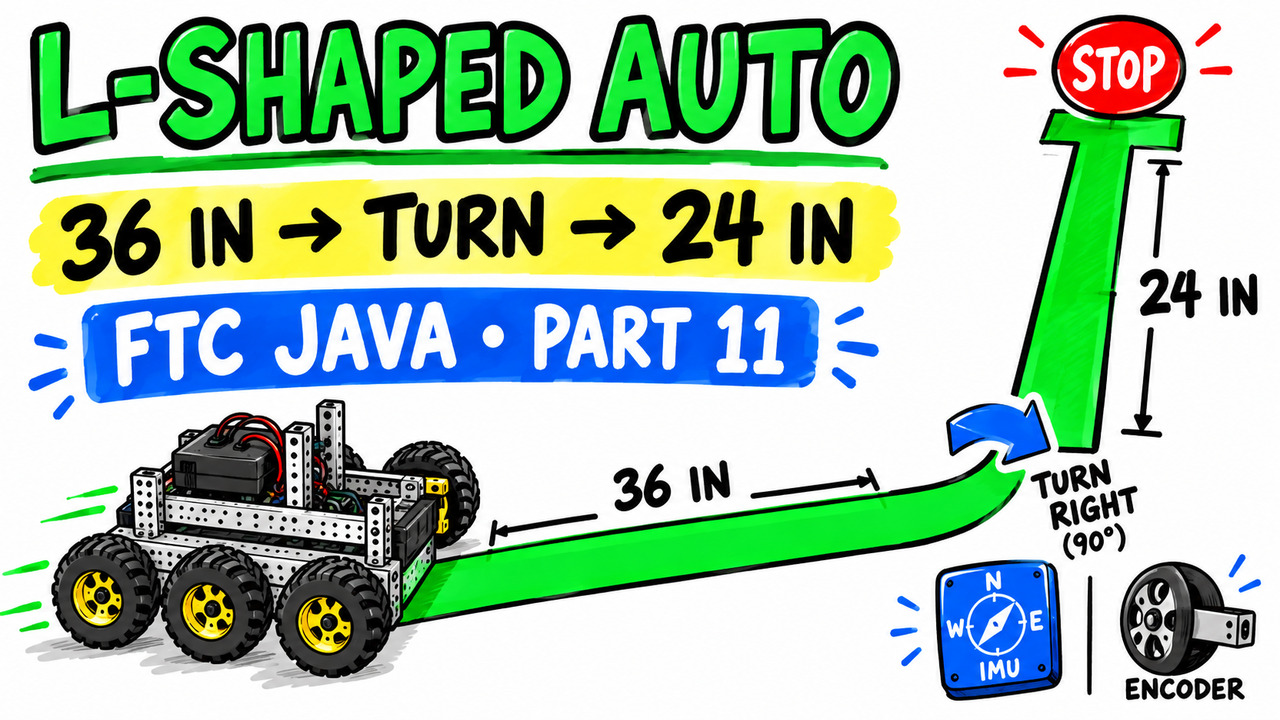
Cover for Video 11 FTC Autonomous Build an L-Shaped Route
Video 11 · Encoder and IMU capstone

FTC Autonomous: Build an L-Shaped Route

Drive 36 inches, turn right to −90 degrees, drive 24 inches, and stop using encoders and IMU feedback.

Open resources →
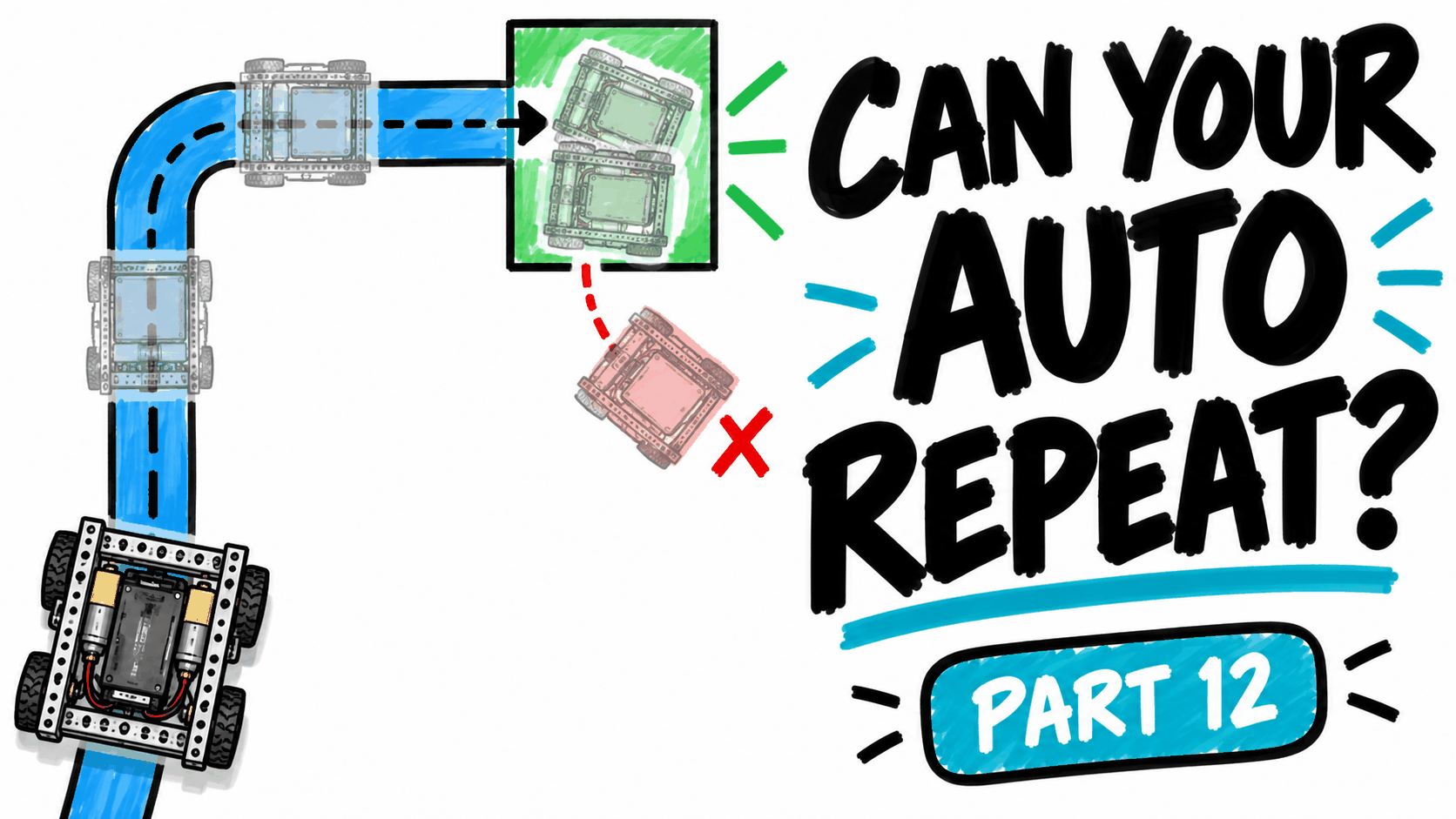
Cover for Video 12 Can Your FTC Autonomous Robot Repeat the Same Path
Video 12 · Repeatable autonomous

Can Your Autonomous Robot Repeat the Same Path?

Run the L route repeatedly, measure its endpoint, make one evidence-based change, and compare the results.

Open resources →

What comes next

Future lessons will explore servos and mechanisms, sensors and their readings, and AprilTag vision. Part 12 gives students a measured driving baseline before adding new hardware or camera guidance.